How I Learned Software From Scratch and Avoided Overwhelm
Learn beginner software tutorials step by step with real examples, practical tips, and mistakes I made. Perfect guide for beginners to master any software.
Key Points Regarding Beginner Software Tutorials
The real challenges beginners face
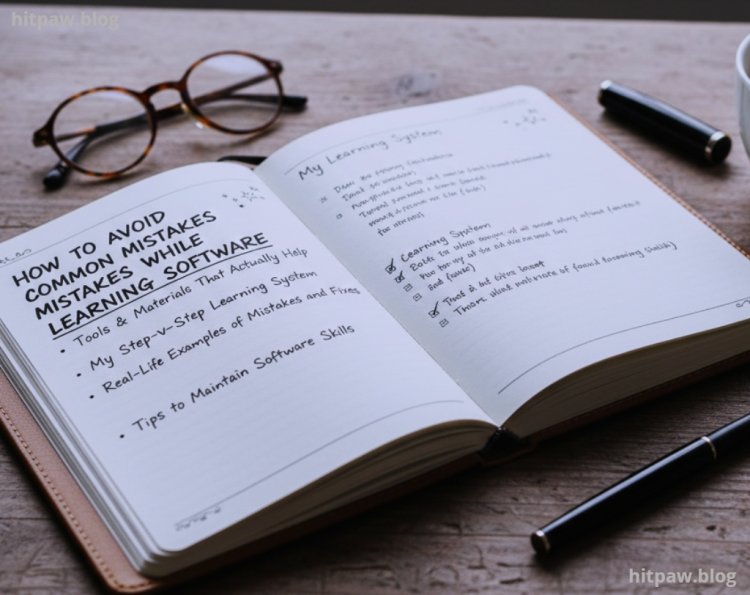
How to avoid common mistakes while learning software
Tools and materials that actually help
My step by step learning system
Real life examples of mistakes and fixes
Tips to maintain software skills
FAQs from beginners
How I Learned Software From Scratch and Avoided Overwhelm
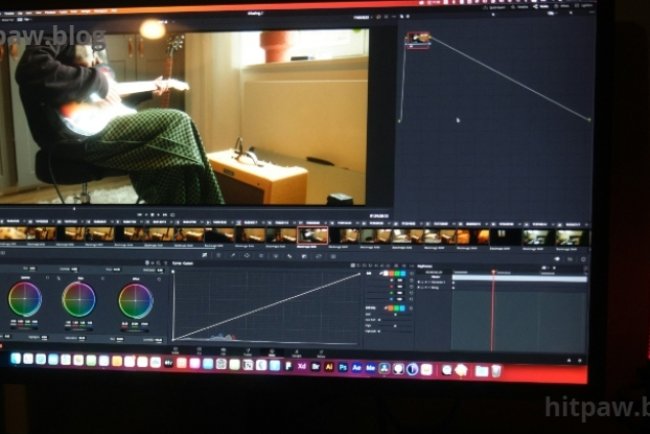
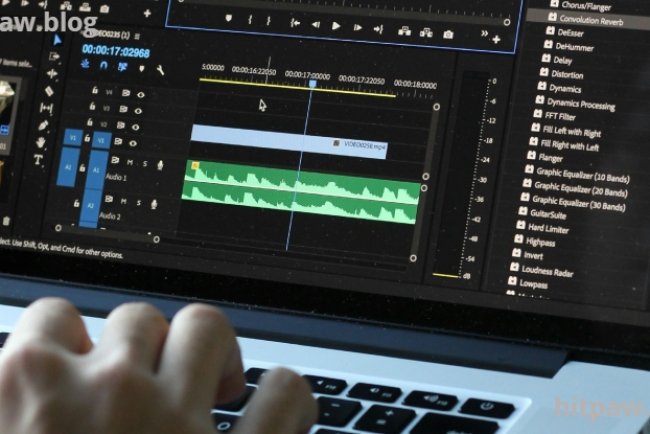
When I first opened any software, I felt completely overwhelmed. There were menus, buttons, and options that made no sense. Tutorials online moved too fast and assumed knowledge I didn’t have. I remember trying to follow a “beginner guide” to video editing software and quickly getting lost pausing every few seconds, rewinding tutorials, and still feeling behind.
The main problem was not the software it was how beginners are taught. Most tutorials are designed for users who already know the basics. I had to figure out my own system, step by step, and that’s what I’m sharing here. This is the exact method I used to go from zero knowledge to confidently using software without feeling stressed.
Understanding the Pain Point: Why Most Beginners Give Up
Learning software can be frustrating because:
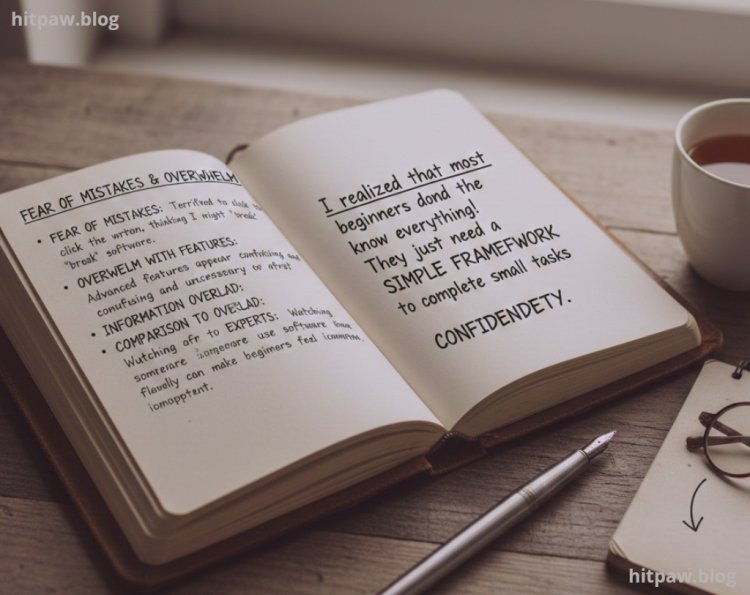
Fear of mistakes: I was terrified to click the wrong button, thinking I might “break” the software.
Overwhelm with features: Advanced features appear confusing and unnecessary at first.
Information overload: Tutorials often try to cover everything in one session.
Comparison to experts: Watching someone else use software flawlessly can make beginners feel incompetent.
I realized that most beginners don’t need to know everything they need a simple framework to complete small tasks confidently.
What I Got Wrong the First Time
When I first tried learning software, I made several mistakes:
I skipped basics: I tried advanced features without mastering simple tasks.
I compared myself to others: Seeing experts made me feel slow and discouraged.
I rushed: I wanted to finish tutorials quickly, which led to frustration.
How I fixed it: I slowed down, focused on completing small tasks, and celebrated tiny wins. This changed my mindset entirely and made learning enjoyable.
Materials I Used to Learn Software
I kept my setup simple:
Computer or laptop: Nothing fancy, just functional.
External mouse: Makes navigation easier.
Notebook or note taking app: For jotting down mistakes, shortcuts, and small tips.
Screen recording software: I record my practice sessions to review later.
Free or trial versions of software: Paid features aren’t necessary initially.
I avoided adding complexity with plugins or advanced features until I understood the core software.
Step by Step Guide: My System for Learning Any Software as a Beginner
Step 1: Understand the Purpose of the Software
Before using any software, I ask:
What problem does this software solve?
What is the simplest outcome I want to achieve today?
For example, in a video editing program, the simplest task could be cutting a clip and exporting it.
Step 2: Learn File Management First
Beginners often make mistakes saving or exporting files. I always start with:
Creating a project
Saving it in a known location
Exporting a test file
This avoids panic when things go wrong later.
Step 3: Complete a Tiny Task
I focus on one small project to get familiar with the workflow. For example:
Importing a single file
Applying a single effect
Exporting the file
No perfection is needed just completion.
Step 4: Repeat Until Comfortable
I repeat the same simple task multiple times until I feel confident. Repetition builds muscle memory and removes fear.
Step 5: Add One New Tool at a Time
Once I’m comfortable with basics, I learn one new tool or feature at a time. This prevents overwhelm and ensures I understand each tool fully before moving on.
Step 6: Review Mistakes
Every time I make a mistake, I note it down in my notebook and revisit it. Reviewing mistakes is how I internalized my learning.
Practical RealLife Examples From My Learning
Example 1: Video Editing
I started by:
Importing clips
Cutting and trimming
Adjusting brightness
Exporting a single video
At first, my exported videos had wrong resolution and low quality. I learned to check export settings and test multiple formats.
Example 2: Productivity Software
I used a task manager for the first time and:
Created multiple lists
Assigned tasks incorrectly
Lost track of deadlines
By creating a simple workflow for one project, I was able to gradually master features without overwhelm.
Common Mistakes Beginners Make
Clicking every menu without a purpose
Trying to learn shortcuts too soon
Watching long tutorials without practicing
Ignoring the software’s built in help or tooltips
Avoid these, and learning becomes smoother.
Tips I Learned From Experience
. Start small: Begin with the easiest task possible.
. Record your sessions: Rewatching mistakes helps improve faster.
. Celebrate small wins: Finishing a tiny project builds confidence.
. Avoid rushing: Software skills develop gradually.
. Take breaks: Short breaks prevent burnout and frustration.
Real Feedback From My Learning Journey
I learned faster when I focused on tasks, not tutorials.
Avoiding advanced features in the first week prevented overwhelm.
My confidence increased when I finished even tiny projects.
Tracking mistakes allowed me to identify patterns and improve quickly.

Final Considerations
Learning software as a beginner is not about speed. It’s about building confidence through small wins. My journey taught me:
Master one task before moving to the next
Review mistakes instead of fearing them
Use simple tools and avoid unnecessary complexity
Celebrate every small success
With this approach, any beginner can go from overwhelmed and frustrated to confident and capable in weeks.
FAQs About Beginner Software Learning
1. How long does it take to learn software as a beginner?
Depends on consistency. Daily 20 to 30 minute sessions are better than occasional long hours.
2. Should beginners use free or paid software?
Free versions are enough to practice. Paid features can be explored later.
3. How do I avoid frustration?
Focus on small, achievable tasks. Avoid comparing yourself to advanced users.
4. Is it normal to forget steps?
Yes. Beginners forget features often. Review and repetition solve this.
5. Should I watch long tutorials or short ones?
Short tutorials are better initially. Apply what you learn immediately.
6. Can anyone learn software from scratch?
Absolutely. Learning software is a skill, not a talent.
What's Your Reaction?