How I Learned the Difference Between AI Noise Reduction and Traditional Audio Cleaning
I compare AI noise reduction with traditional audio cleaning, sharing my workflow, real mistakes, tools, and tips for professional, clean audio results.
Main Highlights Regarding Audio Cleaning
Why my early audio edits still had background hiss
Tools I used for AI and traditional noise removal
How AI differs from classic audio cleaning methods
Real life examples from projects I handled
Lessons learned from my mistakes in audio enhancement
Step by step workflow for cleaning audio efficiently
Maintenance checklist for consistent audio quality
How I Learned the Difference Between AI Noise Reduction and Traditional Audio Cleaning
I used to spend hours removing background noise manually from my podcast recordings. Even after using EQ, gates, and spectral repair, traces of hums and hiss always remained. Editing felt like a never ending battle, especially when recording in less than ideal spaces.
Then I tried AI powered noise reduction tools. Initially, I was sceptical how could a program “think” like a human audio engineer? After experimenting, I realized AI can speed up the process and produce cleaner audio than traditional methods in many cases, but it still requires guidance and careful adjustments.
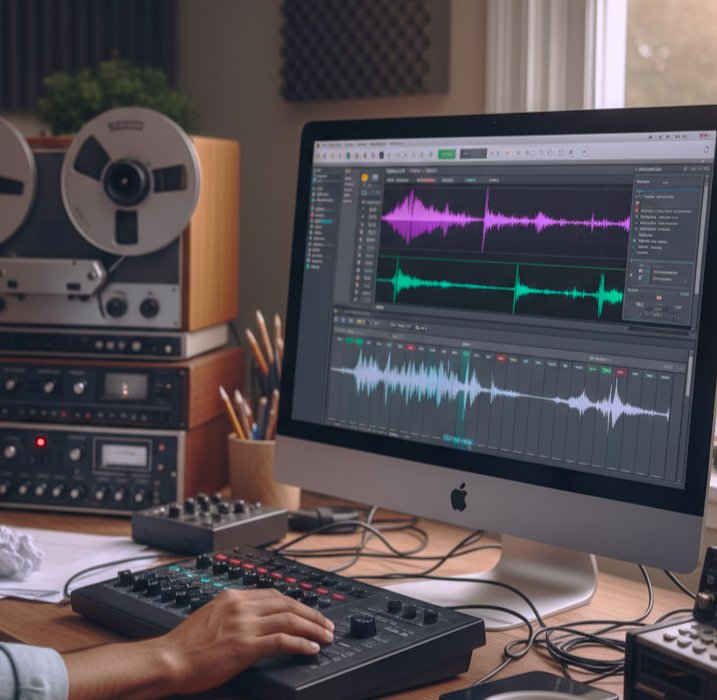
My First Real Comparison Project
The project that taught me the difference was a client podcast recorded in a busy cafe. My goals:
Remove background chatter and hum
Retain the speaker’s natural voice
Prepare the audio for Spotify and YouTube
Traditional method:
Applied high pass and low pass filters
Used noise gates and spectral repair
Manually reduced hiss
Result: improved, but unnatural artifacts appeared, and it took hours.
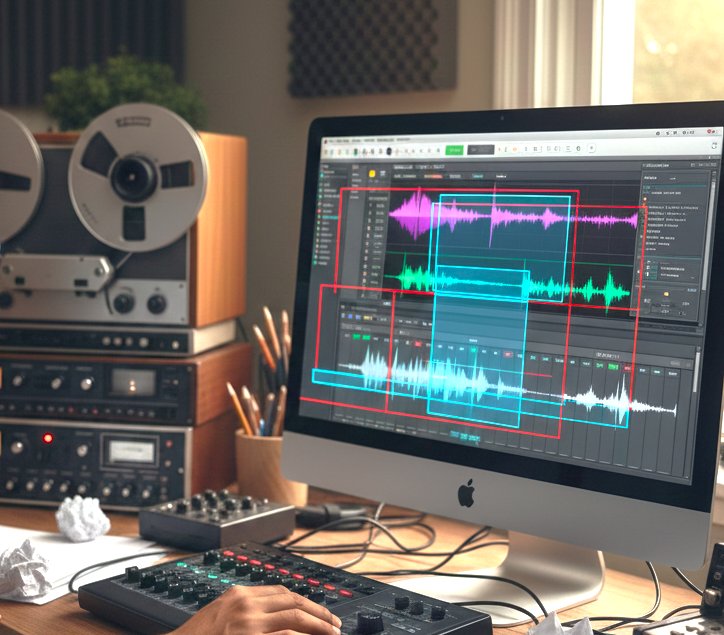
AI method:
Used iZotope RX AI modules
Selected Voice De noise and Dialogue Isolate
Adjusted thresholds
Result: faster, cleaner, and more natural sound.
Tools & Materials I Personally Used
Software Tools
iZotope RX 10 AI and traditional cleaning modules
Audacity traditional filtering and manual edits
Adobe Audition spectral editing and EQ adjustments
Reaper optional DAW for multi track podcasts
Hardware
Condenser microphone for recording
Laptop with i7 CPU and 16GB RAM
Headphones for critical listening
File Types I Worked With
WAV for editing (high quality)
MP3 for final export
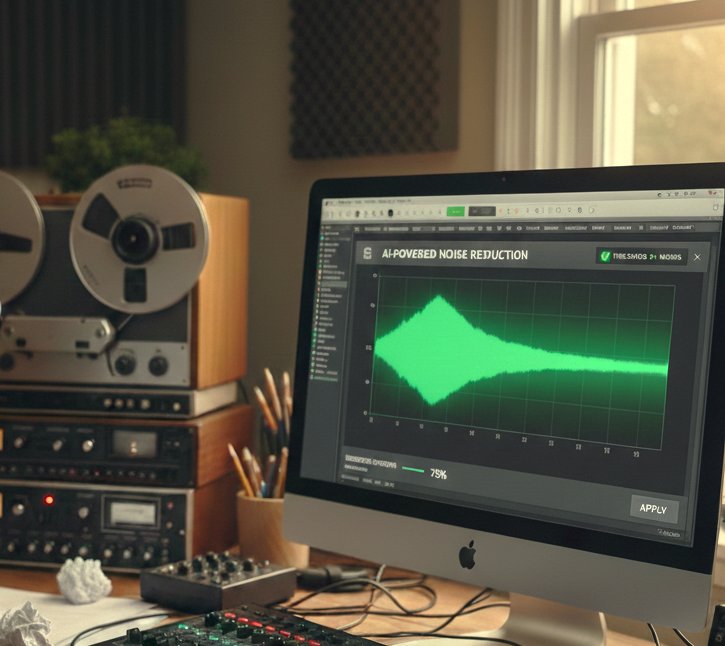
Practical Reality Check About AI vs Traditional Noise Cleaning
AI noise reduction is like having an assistant who “listens intelligently” to your audio, while traditional cleaning is like manually scrubbing every section of a track.
AI can identify subtle noise patterns, isolate voices, and reduce artifacts faster than doing it manually. But it’s not perfect extreme noise or distorted audio may still need traditional intervention.
Step by Step Guide How I Cleaned Audio Effectively
Step 1: Analyze the Audio
Listen for hiss, hum, background chatter, or clicks
Identify sections with the worst noise
Lesson Learned: Skipping analysis leads to over processing and robotic sounding audio
Step 2: Apply AI Noise Reduction
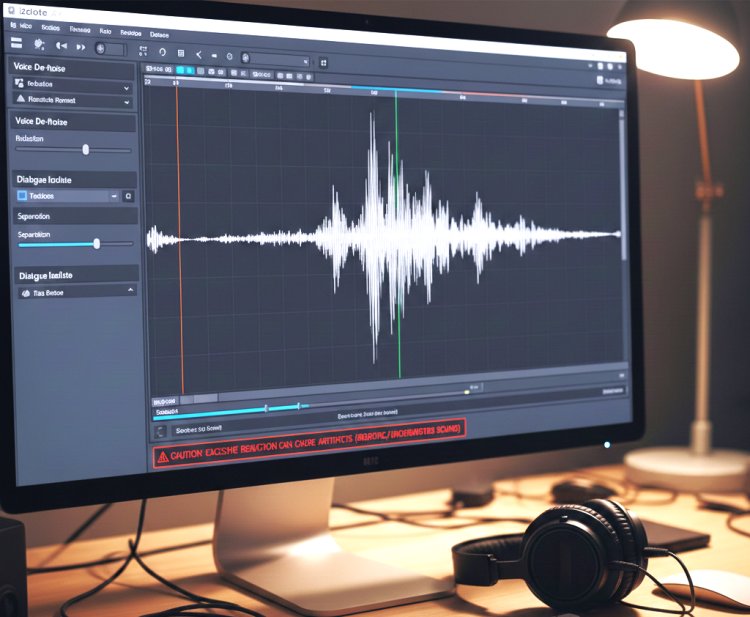
Load audio into iZotope RX
Use Voice De noise for dialogue
Apply Dialogue Isolate for separating voice from background
Adjust reduction threshold slowly to preserve natural tone
Mistake I Made First Time:
Maxed out AI reduction > voice sounded underwater and robotic
Fix:
Reduced threshold to around 40 to 60%
Fine tuned parameters per section
Step 3: Apply Traditional Cleaning (If Needed)
High pass filter to remove low frequency hum
De click or spectral repair for transient noises
Manual fade or gain adjustments for remaining hiss
Pro Tip: AI handles most noise; use traditional methods sparingly to preserve quality
Step 4: Compare and Fine Tune
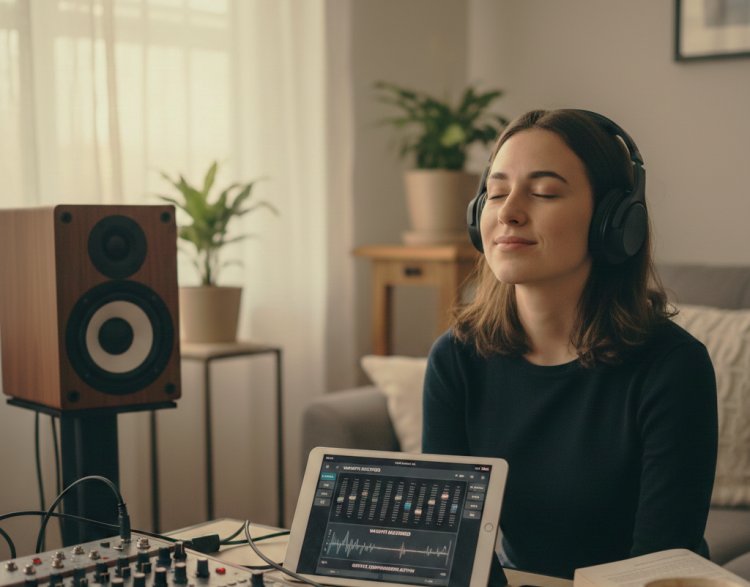
Listen on multiple devices (headphones, speakers)
Adjust EQ to restore warmth lost during noise reduction
Apply gentle compression if needed
What I Got Wrong the First Time
|
Mistake |
How I Fixed It |
|
Over applied AI reduction |
Lowered threshold and fine tuned per section |
|
Ignored EQ after AI |
Added gentle EQ to restore natural tone |
|
Skipped multi device listening |
Checked headphones, monitors, and laptop speakers |
Real Feedback After Improving Workflow
Clients consistently reported:
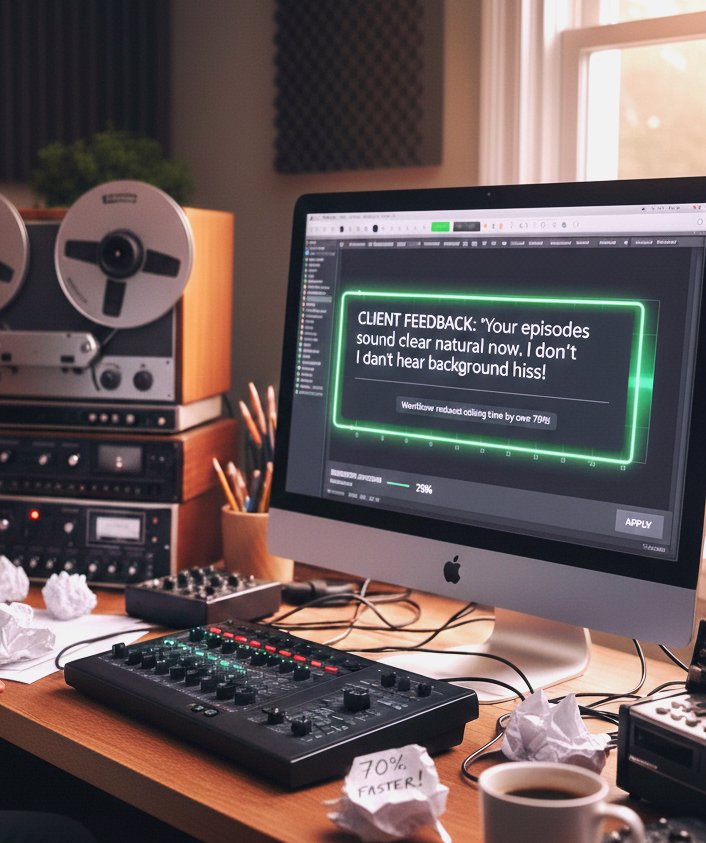
“Your episodes sound clear and natural now. I don’t hear any background hiss!”
The workflow reduced editing time by over 70% while improving quality.
Tip From My Experience
Always keep raw audio untouched. Process a copy with AI first, then apply traditional tweaks. This preserves a fallback if adjustments need fine tuning later.
Wrapping It Up
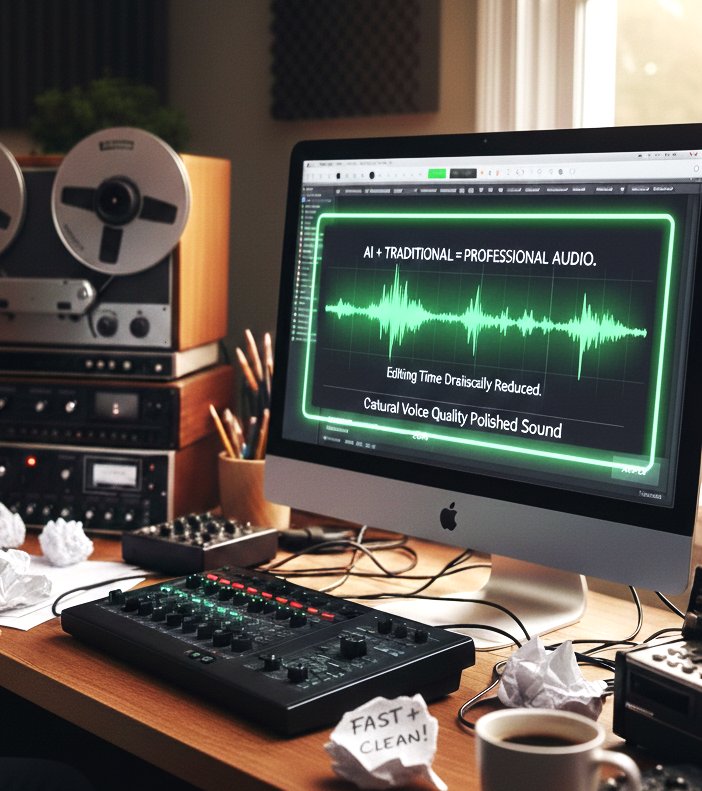
AI noise reduction is a game changer, especially for busy or low quality recordings. Traditional audio cleaning still has value for fine tuning or extreme cases.
Once I combined both approaches:
I cut editing time drastically
Retained natural voice quality
Delivered professional audio consistently
Follow this workflow, and your podcasts, tutorials, or client recordings will sound clean, natural, and polished.
Common Questions About AI vs Traditional Audio Cleaning
Q1: Can AI completely replace traditional cleaning?
Not always. For extreme noise, clicks, or distortions, traditional methods are still useful.
Q2: Which AI tool do you recommend?
iZotope RX is my go to for dialogue and general audio cleanup.
Q3: Does AI affect voice quality?
Overuse can make voices sound robotic fine tuning is key.
Q4: Can AI remove background music accidentally?
Yes, if thresholds are too aggressive. Test first on a copy.
Q5: How much faster is AI compared to manual cleaning?
In my experience, AI reduces editing time by 60 to 80% for moderately noisy recordings.
Q6: Do I need special hardware for AI noise reduction?
GPU acceleration helps for large files, but AI works on standard laptops too.
What's Your Reaction?