Why I Even Looked at AI Image Tools
Discover the best real world use cases for AI image tools based on hands on experience. Learn how creators, bloggers, marketers, and businesses use AI image enhancement, upscaling, noise reduction, and background removal to improve image quality without harming trust or AdSense compliance.
Key Points Regarding Best Use Cases for AI Image Tools
Why I started using AI image tools after repeatedly failing deadlines and quality checks
Real situations where AI image tools genuinely solve problems
Use cases that actually save money for freelancers, bloggers, and businesses
Tools I personally tested and kept using (and why I dropped some)
Common mistakes beginners make with AI image tools
Step by step workflows I now follow for client and personal projects
How AI image tools help with AdSense safe, high quality content
When NOT to use AI image tools
Key Points Regarding Best Use Cases for AI Image Tools
Why I started using AI image tools after repeatedly failing deadlines and quality checks
Real situations where AI image tools genuinely solve problems
Use cases that actually save money for freelancers, bloggers, and businesses
Tools I personally tested and kept using (and why I dropped some)
Common mistakes beginners make with AI image tools
Step by step workflows I now follow for client and personal projects
How AI image tools help with AdSense safe, high quality content
When NOT to use AI image tools
The Real Problem AI Image Tools Solve (The “Pain”)
Most people misunderstand the problem.
The problem is NOT:
“I don’t know Photoshop”
“I want instant results”
The real problems are:
Limited time
Repetitive image tasks
Low quality source material
Budget constraints
Scaling content without losing quality
AI image tools help solve these exact problems, especially for:
Bloggers
Freelancers
Small businesses
Content creators
E-commerce sellers
Materials I Actually Use
I’ll be honest. I tested many tools and dropped most of them.
Software & Platforms
AI image enhancers (for clarity & sharpness)
AI upscalers (for resolution improvement)
AI noise reduction tools
AI background removal tools
AI photo restoration tools
Traditional editors (for final control)
Hardware Setup
Laptop with SSD storage
External hard drive for backups
Stable internet connection
Important:
AI tools are useless if your system is slow or you don’t keep backups.
Best Use Cases for AI Image Tools
Use Case #1: Fixing Client Images That Are Simply Bad
This is the most common scenario.
Clients often send images that are:
Too small
Blurry
Pixelated
Over compressed
In the past, I rejected such images or asked for replacements. That caused delays.
Now, I:
Enhance clarity
Improve lighting
Reduce noise
Restore details
Real example:
A local business sent images taken on a very old phone. AI enhancement improved them enough for website use. The client was satisfied, and I met the deadline.
Lesson:
AI doesn’t make images perfect. It makes them usable.
Use Case #2: Image Upscaling for Websites and Blogs
Blogs need clean visuals. Low resolution images ruin credibility.
I use AI upscaling to:
Increase image resolution
Prepare banner images
Resize thumbnails without distortion
Maintain sharpness across devices
Mistake I made initially:
I upscaled too aggressively. The images looked artificial.
Fix:
Moderate upscaling + manual review.
This balance keeps images natural and AdSense safe.
Use Case #3: Noise Reduction for Low Light Photography
Low light images are a nightmare.
Manual noise reduction often:
Blurs details
Removes textures
Makes skin look fake
AI noise reduction:
Targets noise specifically
Preserves edges
Keeps details intact
Real scenario:
I edited indoor event photos with poor lighting. AI noise reduction saved hours and preserved image quality.
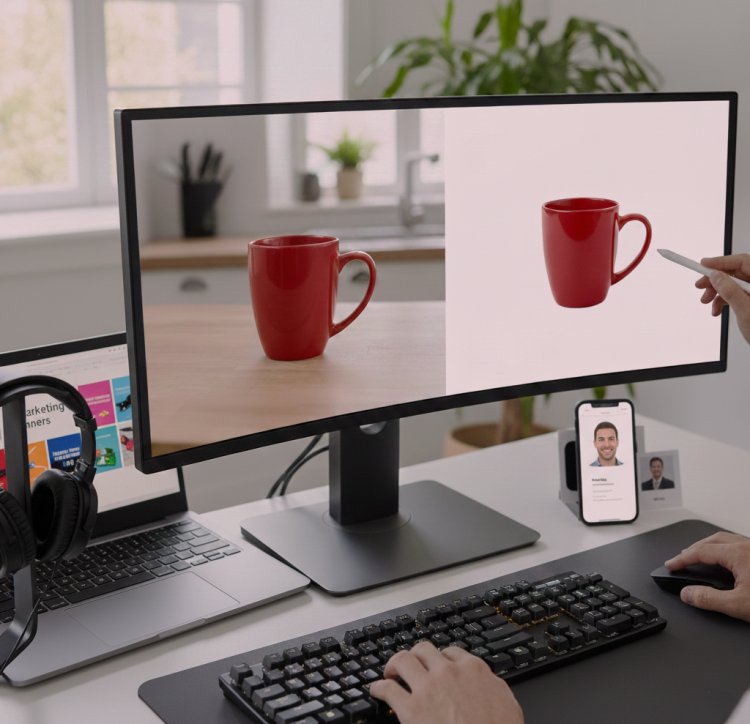
Use Case #4: Background Removal for Products & Creators
This use case alone justifies AI tools.
I use AI background removal for:
E-commerce products
Profile pictures
Marketing banners
YouTube thumbnails
Instead of manual selection tools, AI removes backgrounds cleanly in seconds.
Important:
I always inspect edges manually. AI is fast, not perfect.
Use Case #5: Photo Restoration (Old & Damaged Images)
I was skeptical about this one.
AI restoration can:
Repair scratches
Restore faded colors
Improve facial clarity
Fix torn edges
I restored old family photos for a client. AI handled the heavy lifting. I finished with manual touch ups.
Ethical rule I follow:
Never promise “original accuracy.” AI enhances; it doesn’t recreate reality.
Use Case #6: Faster Content Creation for Bloggers
Bloggers need:
Featured images
Visual explanations
Clean graphics
AI image tools help me:
Speed up production
Maintain visual consistency
Avoid stock image overuse
This improves user experience and AdSense approval chances.
Use Case #7: Preparing Images for Ads & Marketing
Ads require:
Clean visuals
Natural look
Policy compliance
AI helps with:
Lighting correction
Resolution improvement
Background cleanup
I avoid:
Fake enhancements
Misleading visuals
Over processed images
This keeps ads compliant and trustworthy.
What I Got Wrong the First Time (Critical Section)
I trusted AI too much.
Mistakes I Made:
Over sharpening faces
Removing too much texture
Ignoring human review
Delivering AI outputs directly
How I Fixed It:
AI first, human judgment last
Always compare with original
Reduce intensity
Test on multiple screens
This change improved:
Client trust
Content quality
Approval rates
Step by Step Workflow I Follow Now
Step 1: Inspect the Original Image
I check:
Resolution
Noise
Lighting
Focus
Step 2: Decide the Use Case
Not every image needs AI.
Step 3: Apply One AI Tool at a Time
Stacking tools blindly ruins images.
Step 4: Manual Fine Tuning
Human touch matters.
Step 5: Export & Backup
Always save:
Original
AI processed
Final version
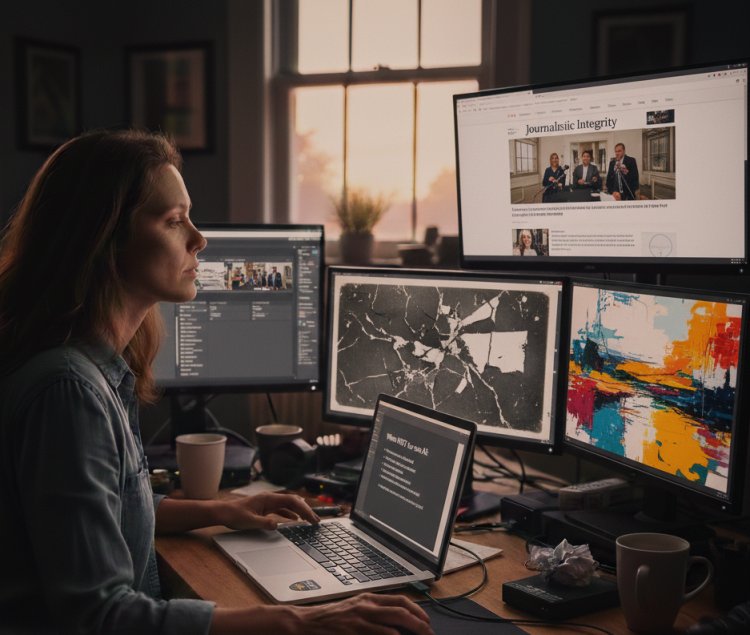
When NOT to Use AI Image Tools
AI is not suitable when:
Image is extremely damaged
Authenticity is critical (journalism)
Legal accuracy is required
Artistic intent matters more than speed
Knowing when NOT to use AI is just as important.
Real Feedback From Clients & Users
Clients noticed:
Faster delivery
Better visuals
Consistency
They also appreciated honesty when AI couldn’t fix everything.
Transparency builds EEAT trust, which matters for AdSense.
Tips From My Experience
Always keep originals
Don’t chase “perfect”
Avoid unknown AI platforms
Never upload sensitive images
Combine AI + manual editing
Review on different screens
Final Considerations
AI image tools are not shortcuts for beginners.
They are power tools for skilled creators.
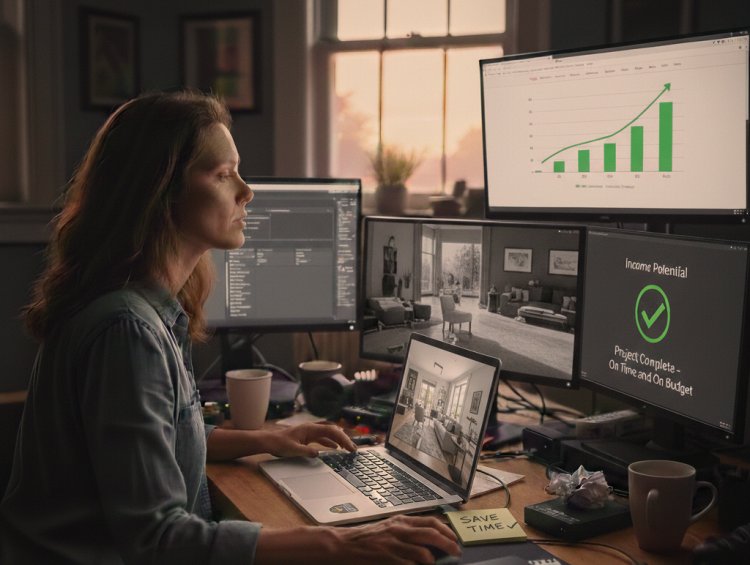
Used correctly:
They save time
Improve quality
Increase income potential
Used incorrectly:
They reduce trust
Harm credibility
Risk policy violations
Treat AI like an assistant, not a decision maker.
FAQs
1. Are AI image tools safe for AdSense websites?
Yes, if images are original, helpful, and not misleading.
2. Do AI images count as original content?
Yes, when edited, reviewed, and used responsibly.
3. Can beginners rely only on AI tools?
No. Fundamentals still matter.
4. Are AI image tools expensive?
Some are, but they often save more money than they cost.
5. Will AI image tools replace designers?
No. They enhance productivity, not creativity.
6. Should every image be AI enhanced?
Absolutely not.
What's Your Reaction?