The Media Conversion Problem I Kept Ignoring
I share my real media conversion workflow, tools, mistakes, and step by step tips to convert video and audio files without losing quality.

Key Points Regarding Media Conversion Tips
Why my converted videos and audio files kept losing quality
The exact tools I used for media conversion (and why I chose them)
Step by step media conversion workflow I now follow for every project
Common beginner mistakes I personally made and fixed
Real client and personal feedback after improving my conversion process
Practical maintenance checklist to avoid corrupted or low quality files
The Media Conversion Problem I Kept Ignoring
For a long time, I thought media conversion was the easiest part of my workflow. I believed converting a file was just about clicking “Convert” and moving on. That mindset cost me hours of rework, angry client messages, and broken files.
I still remember converting a high quality video into another format for a client. It looked fine on my laptop, but when the client played it on their device, the video stuttered, audio was out of sync, and the file size was strangely huge. The client asked if I had exported it incorrectly. I didn’t know what to say because I honestly didn’t know what went wrong.
That moment forced me to treat media conversion as a technical process, not a shortcut. This guide is based on real projects where I converted videos, audio files, and images for YouTube, social media, and client delivery learning the hard way what works and what doesn’t.
The Project That Made Media Conversion “Serious” for Me
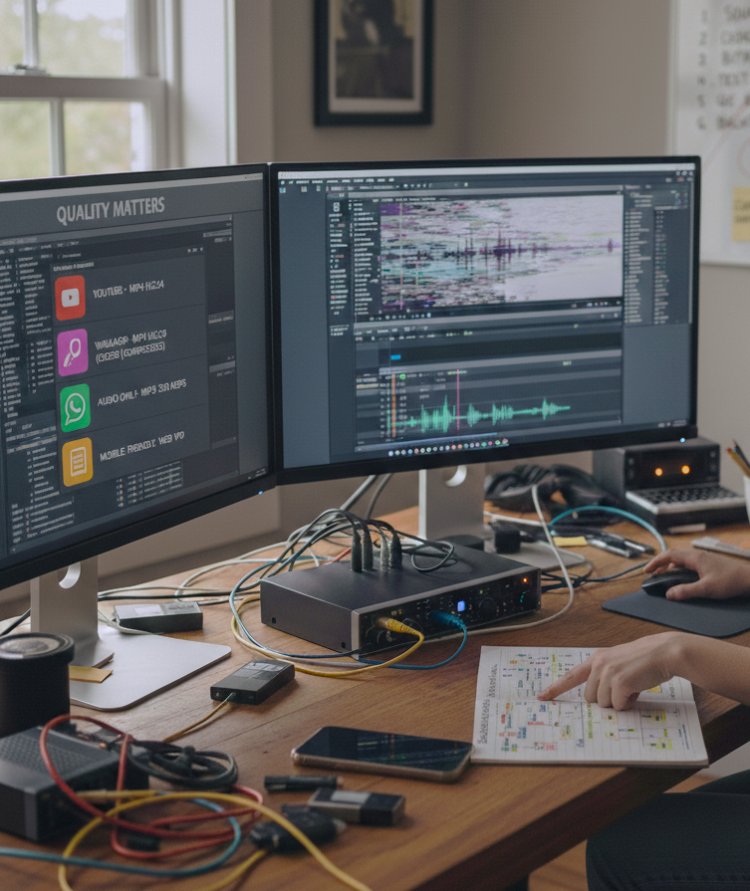
The project that changed everything was a multi format delivery task. I had to deliver:
One video for YouTube
One compressed version for WhatsApp
One audio only file
One mobile friendly format
I thought I could convert everything from the same export. That assumption was wrong.
Each platform needed different formats, codecs, and settings. Once I understood this, my conversion results improved instantly.
Materials I Personally Used for Media Conversion
I’ll only mention tools I actually used. No paid hype, no unnecessary software.
Software Tools
Adobe Media Encoder for video format conversion
HandBrake for compression and format optimization
VLC Media Player for quick audio/video conversions
Audacity for converting and exporting audio formats
File Types I Worked With
MP4, MOV, MKV (video)
MP3, WAV, AAC (audio)
JPG, PNG (image exports from video frames)
Practical Reality Check Before You Start Converting
Here’s something I learned early:
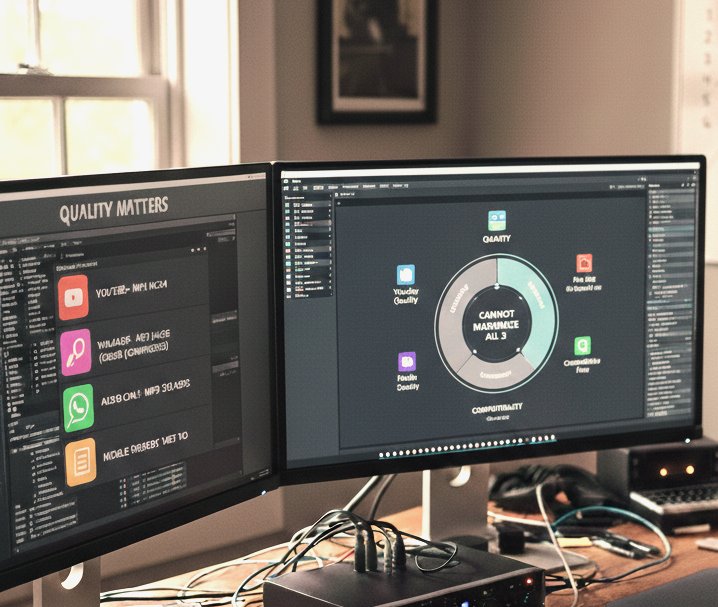
Media conversion is always a balance between quality, file size, and compatibility.
You cannot maximize all three at the same time. Once I accepted this, my decisions became clearer.
Step by Step Media Conversion Workflow (Exactly How I Do It Now)
Step 1: Understanding the Final Use of the File
Before converting anything, I ask myself:
Where will this file be used?
Which device will play it?
Does it need editing again or is it final?
Earlier, I skipped this step and paid the price.
Step 2: Choosing the Right Format (Not the Trendy One)
I used to convert everything to whatever format I saw recommended online.
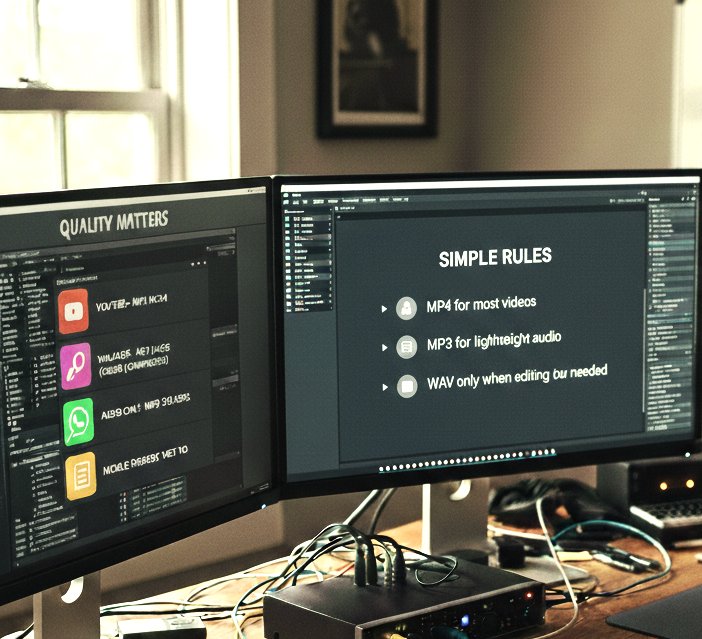
Now I follow simple rules:
MP4 for most videos
MP3 for lightweight audio
WAV only when editing is needed
This reduced compatibility issues immediately.
Step 3: Selecting Proper Resolution and Bitrate
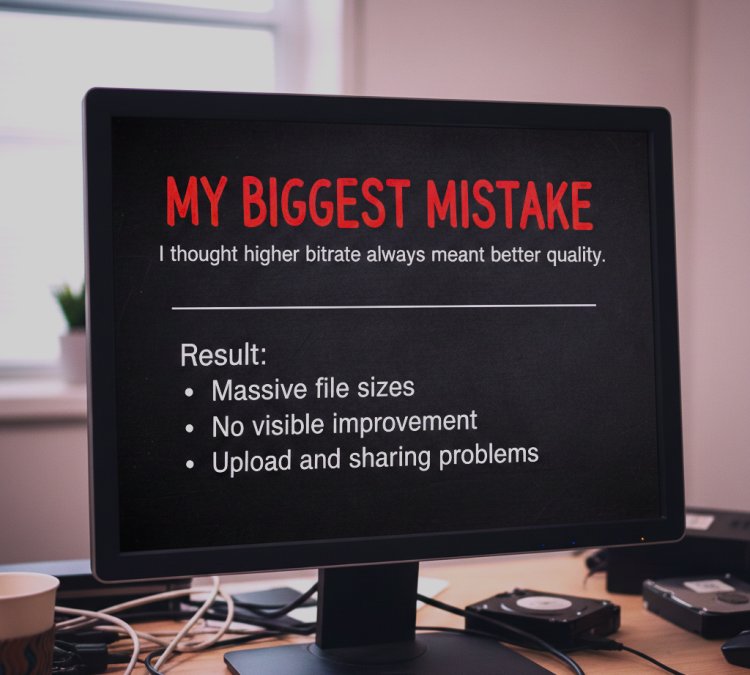
This was one of my biggest mistakes.
What I Got Wrong the First Time
I thought higher bitrate always meant better quality.
Result:
Massive file sizes
No visible improvement
Upload and sharing problems
How I Fixed It
I now match bitrate to resolution and platform needs.
That alone solved most conversion complaints.
Step 4: Converting Audio Separately When Needed
Earlier, I converted video and audio together every time.
Now:
I extract audio first
Clean or adjust it if needed
Export it separately
This gives me more control and fewer errors.
Step 5: Testing the Converted File on Multiple Devices
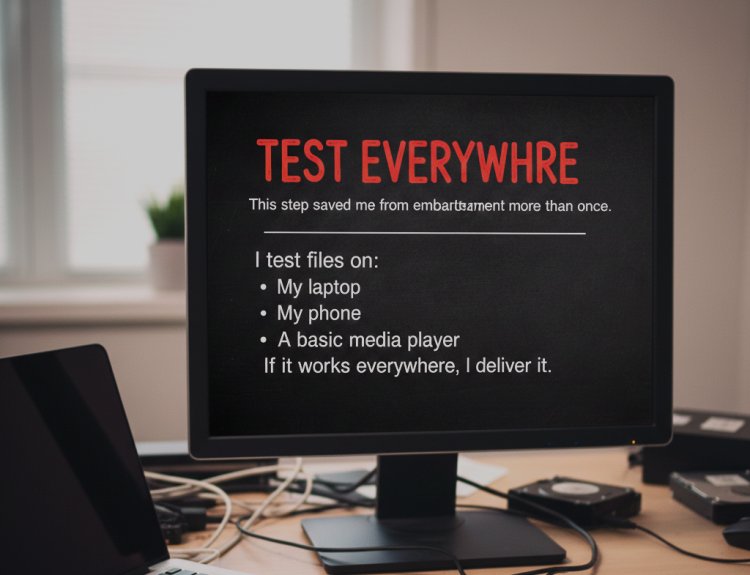
This step saved me from embarrassment more than once.
I test files on:
My laptop
My phone
A basic media player
If it works everywhere, I deliver it.
Real Conversion Issue I Faced
I once converted a tutorial video to a smaller size for email delivery. It played fine on my system but failed on the client’s phone.
The issue?
· Unsupported codec
Fix:
Re converted using a standard codec
Slightly increased file size
Solved compatibility instantly
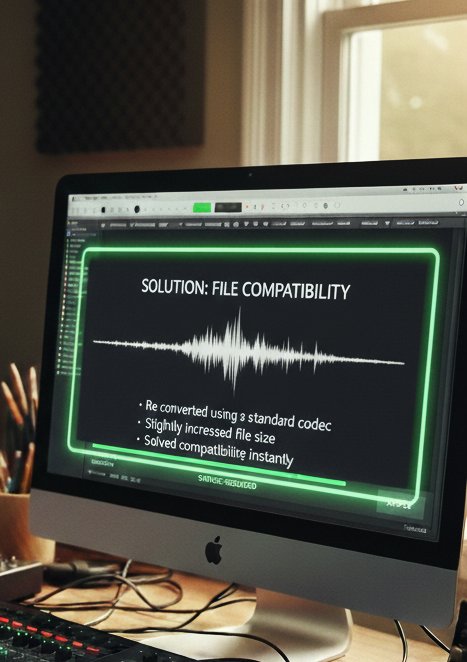
Lesson learned: Compatibility matters more than compression.
What I Got Wrong the First Time (Important Lessons)
Mistake #1: One Format Fits All Thinking
Different platforms need different settings.
Mistake #2: Ignoring Audio Settings
Bad audio settings ruin good video.
Mistake #3: Not Keeping Original Files
I once lost quality permanently because I overwrote the source file.
Now I always keep originals untouched.
My Media Conversion Checklist
I place this checklist before final delivery, not at the end.
|
Checkpoint |
Status |
|
Correct format selected |
✔ |
|
Resolution matches usage |
✔ |
|
Audio sync tested |
✔ |
|
File size reasonable |
✔ |
|
Tested on another device |
✔ |
This simple table prevents repeat mistakes.
Real Feedback After Fixing My Conversion Workflow
After improving my process, I started receiving comments like:
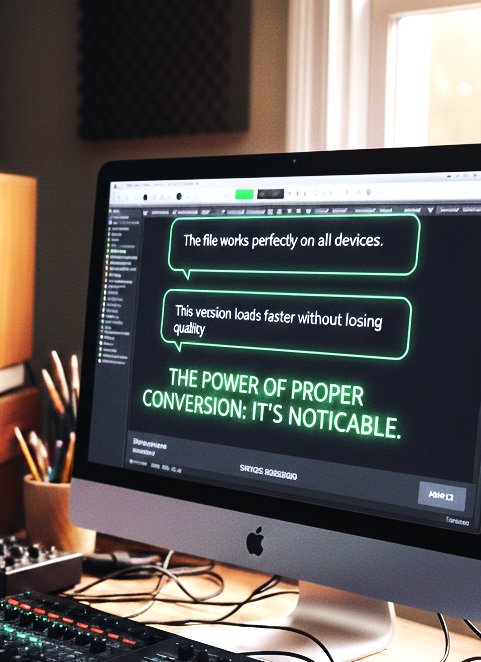
“The file works perfectly on all devices.”
“This version loads faster without losing quality.”
That’s when I realized proper media conversion isn’t invisible it’s noticeable when done right.
Tip From My Experience
Never delete the original file until the client confirms everything works.
This one habit saved me countless hours of rework.
Final Advice
Media conversion isn’t just technical it’s practical decision making.
Once I stopped rushing and started thinking about where and how files would be used, my results improved instantly. Fewer errors, fewer complaints, and more confidence in delivery.
If you’re struggling with media conversion:
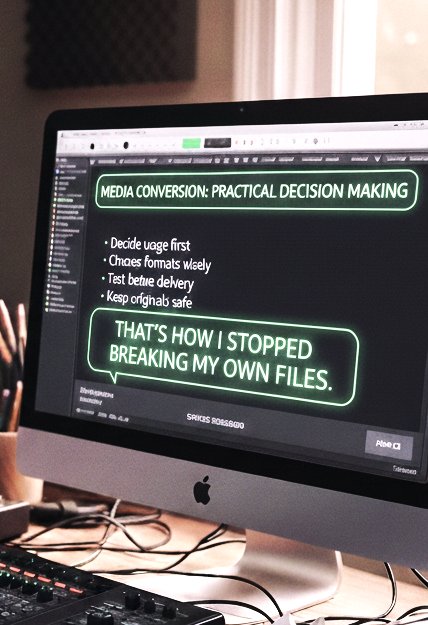
Decide usage first
Choose formats wisely
Test before delivery
Keep originals safe
That’s how I stopped breaking my own files.
Get About Media Conversion
Q1: Is converting media always necessary?
No. Only convert when format or compatibility requires it.
Q2: Why does quality drop after conversion?
Wrong bitrate or codec selection is usually the reason.
Q3: Should I use online converters?
I avoid them for important files due to quality and privacy risks.
Q4: What format works on most devices?
MP4 with standard codecs has worked best for me.
Q5: Can I convert without losing quality?
You can minimize loss, but some compression is almost always involved.
Q6: Should I keep original files after conversion?
Always. Originals are your safety net.
What's Your Reaction?