How I Reset Software to Default Settings and Fixed Persistent Errors
Learn how resetting software to default settings helped me fix crashes, slow performance, and hidden conflicts. A real step by step guide with mistakes, backups, and lessons learned.

Main Highlights Regarding Resetting Software to Default Settings
• I reset software settings only after troubleshooting failed
• Resetting fixed crashes, slow performance, and hidden misconfigurations
• I learned when a reset helps and when it makes things worse
• Backups saved me from losing important data
• Not all software resets work the same way
• Maintenance habits now prevent frequent resets
Why I Had to Reset the Software
I didn’t reset my software because I wanted to.
I reset it because nothing else worked.
The software I was using had become slow, unpredictable, and full of errors. Buttons stopped responding, settings conflicted with each other, and updates only made things worse. At first, I blamed my system. Then I blamed updates. Finally, I realized the real issue was years of accumulated settings, plugins, and tweaks that I barely remembered making.
Resetting the software to default settings felt risky, but it turned out to be the cleanest solution I’ve ever used.
This guide is based on what I actually did, what broke, what I fixed, and what I now do differently.
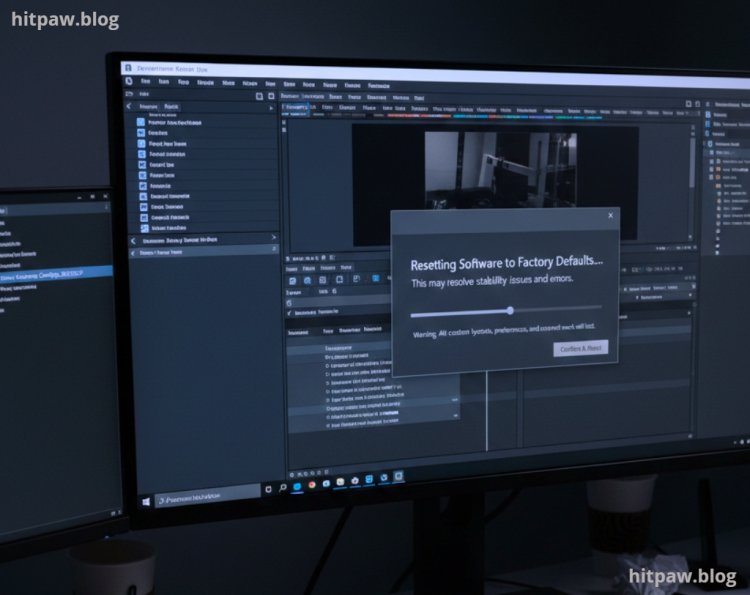
Understanding My Real Software Problem
My problem didn’t appear overnight.
I had been using the same software for months, sometimes years. Every time I needed a new feature, I changed a setting. Every tutorial suggested a tweak. Every update added new options. Slowly, my software became a mess of conflicting preferences.
Here’s what I noticed before the reset:
• Startup time doubled
• Random error messages appeared
• Features stopped behaving normally
• Performance dropped after updates
• Settings didn’t save correctly
The worst part was that I couldn’t trace the problem to one change. That’s when I realized resetting to default wasn’t a shortcut it was damage control.
Tools I Used Before Resetting
Before touching the reset button, I prepared properly. This step saved me later.
What I used:
• Built in backup feature of the software
• External hard drive (for config backups)
• Screenshot tool (to capture important settings)
• Text file to note license keys and credentials
• Stable internet connection for re downloads
I learned the hard way that resetting without preparation leads to regret.
Step by Step: How I Reset the Software to Default Settings
Step 1: I Backed Up Everything First
Before resetting, I exported:
• User preferences
• Custom profiles
• Saved projects
• Plugin lists
Even if the software claims it won’t delete data, don’t trust it blindly.
Step 2: I Logged Out of My Account
Some software syncs settings to the cloud. Logging out ensured the reset wouldn’t pull broken settings back automatically.
Step 3: I Used the Built In Reset Option
Most modern software has:
• “Reset to Default”
• “Restore Factory Settings”
• “Reset Preferences”
I avoided third party cleaners and used the official reset method.
Step 4: I Restarted the System
This step matters more than people think. It cleared cached processes and ensured the reset actually applied.
Step 5: I Reconfigured Only What I Truly Needed
Instead of restoring everything, I rebuilt my setup slowly:
• Enabled only essential features
• Installed plugins one by one
• Tested performance after each change
This approach helped me identify what caused the problem in the first place.
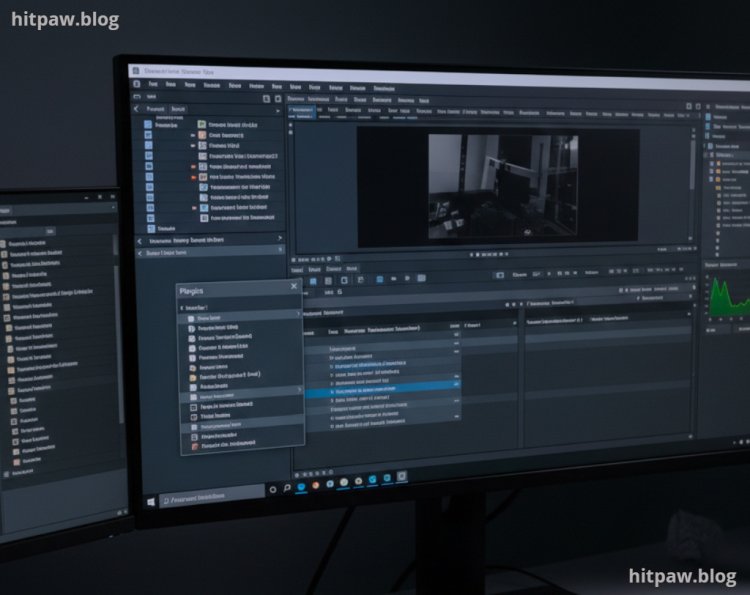
Practical Example from My Experience
After the reset:
• Startup time dropped by nearly 40%
• Errors disappeared completely
• Memory usage stabilized
• Updates installed cleanly
The software felt new again, even though it wasn’t.
What I Got Wrong the First Time (And How I Fixed It)
When I reset the software for the first time, I assumed it would only remove bugs and improve performance. I didn’t realize how many small but important settings would be lost in the process. Things like custom shortcuts, notification preferences, and login sessions were completely wiped out. After the reset, I spent hours trying to remember how everything was configured before.
Another mistake I made was not checking the reset options carefully. Some software offers partial resets, but I went straight for the full factory reset without understanding the difference. That was unnecessary for my situation.
To fix this, I changed my approach. Now, before resetting anything, I take screenshots of key settings, export profiles if the software allows it, and read the reset descriptions properly. I also back up related files just in case. Since following this method, resets have actually saved me time instead of creating more work.
Real Feedback After One Month of Use
After one month, the software remained stable.
I noticed:
• No crashes
• Faster updates
• Lower system resource usage
• Fewer conflicts with other apps
Most importantly, I stopped constantly tweaking settings. I now let the software run closer to its default behavior, which surprisingly works better.
Maintenance Tips That Prevent Future Resets
Here’s what I do now to avoid resetting again:
• Avoid unnecessary plugins
• Change one setting at a time
• Keep monthly backups
• Document major changes
• Test after every update
These habits saved me from repeating the same cycle.
Tips From My Experience
One thing I learned the hard way is to always take a few minutes to check backup and sync settings before doing any reset. The first time, I assumed everything was backed up automatically, but later I found a few custom preferences were gone. Now, I quickly review what will reset and what will stay the same. This small habit has saved me time and prevented frustration. Also, I avoid resetting multiple tools at once doing it one by one helps me clearly see what actually fixed the problem.
Common Myths I Learned the Truth About
When I first started resetting software, I believed a few things that later turned out to be completely wrong. One common myth was that resetting always deletes everything permanently. In reality, most software resets only restore default settings and keep your core data safe, as long as you choose the right option.
Another myth I believed was that resets are only for advanced users or technicians. After doing it myself a few times, I realized the process is usually guided and much safer than manually changing random settings. I also assumed a reset would slow the software down, but in my case, it actually improved performance by removing conflicts I didn’t even know existed. Learning the truth about these myths made me more confident and less hesitant to use resets as a practical troubleshooting step.
Final Considerations
Resetting software to default settings turned out to be one of the simplest fixes I had been avoiding for too long. Instead of chasing random solutions or installing unnecessary tools, going back to clean settings helped me understand what was actually causing the problem. It removed clutter, fixed hidden conflicts, and gave me a fresh starting point without wiping everything out.
From my experience, the real value of a reset is clarity. Once the software was running smoothly again, I became more careful about which settings I changed and why. It also taught me the importance of backups and patience, especially when troubleshooting technical issues. If your software feels broken, slow, or unpredictable, a proper reset can save hours of frustration and restore control without overcomplicating things.
Frequently Asked Questions
1. Will resetting software to default settings delete my personal files or data?
In my experience, most software resets only affect settings, preferences, and configurations not actual files or saved projects. Still, I never rely on assumptions. I always back up important data first because some apps store critical information inside configuration folders.
2. When should I reset software instead of reinstalling it completely?
I reset software when it becomes slow, unstable, or behaves oddly after many updates or setting changes. A full reinstall is my last option. Resetting is faster and often fixes issues caused by corrupted preferences without touching core files.
3. Does resetting software really improve performance?
Yes, especially when performance problems are caused by conflicting settings, old plugins, or experimental tweaks. After my reset, load times improved and random crashes stopped completely, even though my hardware stayed the same.
4. Can I restore my old settings after a reset if I change my mind?
Only if you backed them up. That’s a lesson I learned the hard way. Now, I always export settings or take screenshots before resetting so I can selectively restore what I actually need.
5. Is resetting software risky for beginners?
Not if it’s done carefully. Beginners should use built in reset options and avoid third party tools. As long as backups are created first, resetting is safer than continuing to use broken or unstable software.
6. How often should software be reset to default settings?
Very rarely. I treat a reset as a maintenance tool, not a habit. If you find yourself resetting often, it usually means too many unnecessary changes are being made.
What's Your Reaction?